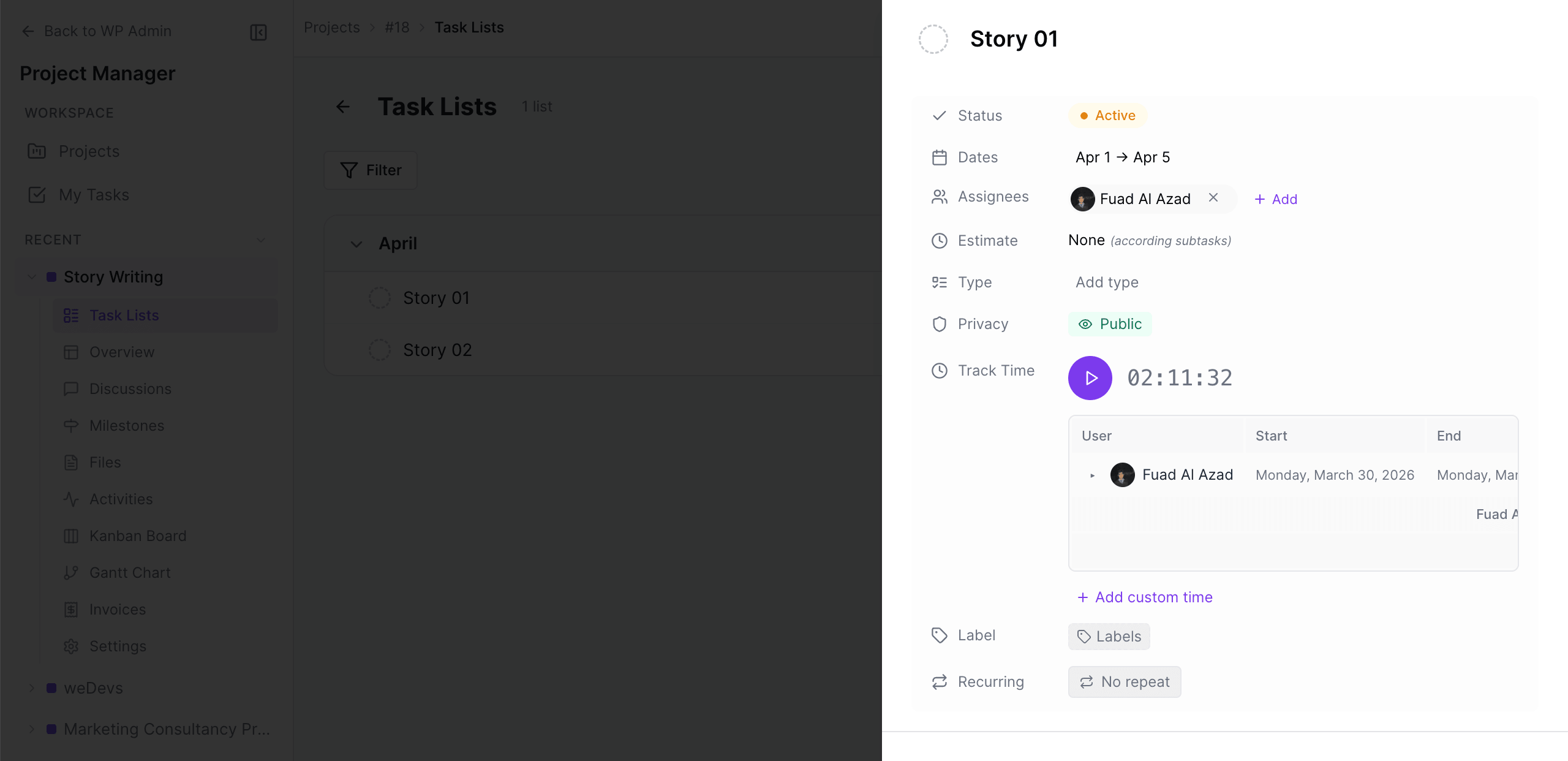

New Single Task Page
With WP Project Manager Free 2.0.6, users will get a new type of single task page. Previously, task pages would open from the side.
Now, when you click on a task, it will open in the form of a pop up modal window, as shown below. The new single task page shows many information, such as:
- the name of the creator
- users in that task
- start and end dates
- when the task was created
- status of task
- subtasks
- discussions and comments
- attached links, files, and images
- make task private option
- track time spent on a task with time tracker modules
- users in each sub task, and
- activity relating to that task