


How To Build Client Trust in Project Management and Get Paid on Time
Building trust with clients is one of the biggest challenges in today's project management. Many projects fail not because of bad work, but because clients cannot see what is happening behind the scenes. The Standish Group reports that 52% of projects fail due to poor communication and unclear expectations (Standish Group CHAOS Report).
When clients do not get updates, they feel lost and worried. This creates tension during reviews, late approvals, scope changes, and mistrust, often leading to late payments and unpaid invoices. When clients trust the process, they approve faster and settle payments on time.
Today’s clients expect real-time visibility into tasks, progress, and milestones. They want to see the work, not guess it. Only a structured project management system can solve this problem. If you are looking for such a solution, you must give the WP Project Manager plugin a try.
In this post, we'll comprehensively guide you on how to build client trust in project management and get paid on time. Get started!
Common Reasons Clients Lose Trust During Projects
Client trust rarely breaks without reason. It usually happens when gaps form between what clients expect and what they experience during project delivery. These gaps can grow quickly when communication, timelines, and visibility are not managed well.

a. Poor Communication
Clients lose confidence when they do not receive updates. Silence makes them assume the worst, even when work is moving. Clear communication keeps expectations stable and reduces the risk of conflict. It also ensures the client and the team stay aligned on goals, deliverables, and changes.
Take a look at the effective project management communication strategies.
b. Scope Confusion and Hidden Work
Scope problems create tension. When clients do not understand what is included in the project or what work takes extra time, they feel the project is expanding unfairly. Hidden tasks, unclear change requests, and informal agreements produce disputes and make payment approvals harder. Only a clear scope can protect both sides and keep the work well-structured.
c. Missed Deadlines
Deadlines are promises. When they are missed without warning or context, trust declines. Even a reasonable delay can cause damage if the client hears about it at the last minute. Clients value predictability. Honest updates and timeline adjustments help keep that predictability intact.
Learn some effective strategies on how to master time management for deadlines.
d. Lack of Transparency in Task Progress
Clients do not want to guess if work is being done. Visibility into progress gives them proof and reduces anxiety. Without visibility, even good teams look slow or inactive. When clients can track tasks, milestones, and blockers, they are more willing to wait, approve, and trust the outcome.
e. Manual Reporting and Information Gaps
Manual reporting is always slow, inconsistent, and often incomplete. If reports arrive late, lack detail, or do not answer key questions, this can create gaps that weaken trust at critical stages. Using a great project management tool can solve this by making reporting updated and organized.
f. Payment Friction and Invoice Shock
Clients always want to know what they are paying for before the invoice arrives. But payment friction and invoice shock happen when clients receive bills they did not expect or do not fully understand. These issues make clients feel confused and stressed. They also reduce trust in the service.
What Is WP Project Manager?
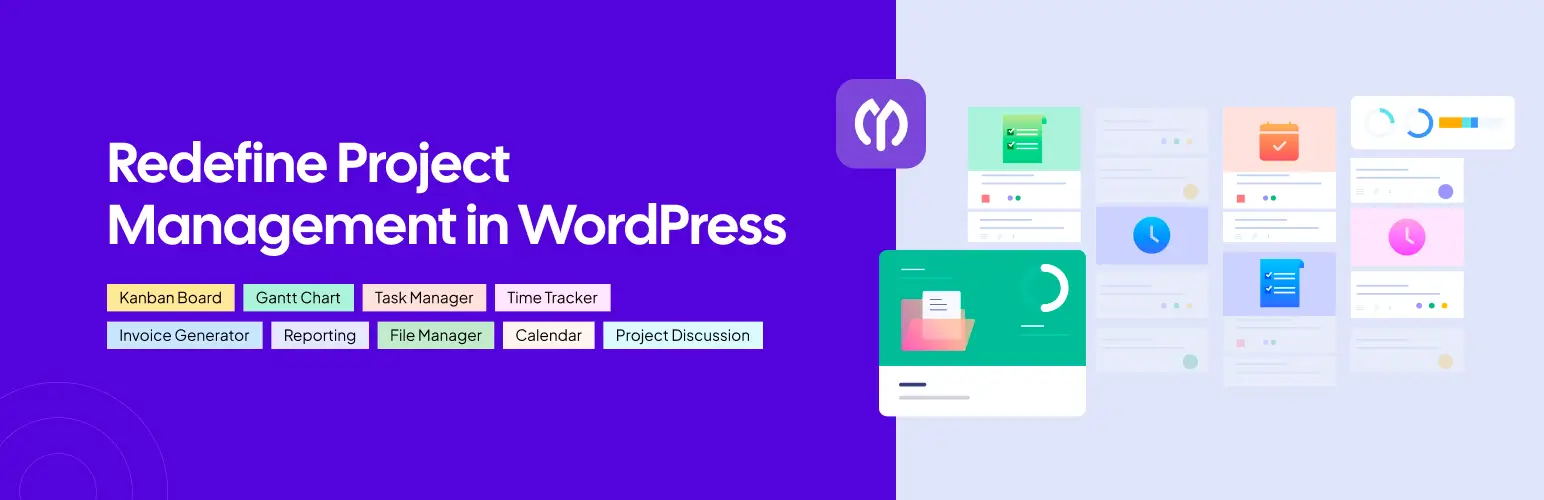
WP Project Manager is a WordPress plugin that helps teams plan, organize, and manage projects directly from their website dashboard. It brings together tasks, milestones, files, messages, and time tracking so teams can collaborate without switching tools. The plugin is built for agencies, service providers, and businesses that need a structured workflow inside WordPress.
WP Project Manager also makes client-facing collaboration easier. It gives clients a clean view of tasks, progress, approvals, and deliverables without overwhelming them with technical details. This removes confusion, improves communication, and makes expectations more predictable.
Practical Ways to Build Client Trust with WP Project Manager
Trust grows when clients can clearly see how decisions are made, how work moves forward, and how problems are handled. These practices help both sides stay aligned and reduce misunderstandings that slow down projects and payments. Below are some practical ways to build client trust.

1. Set Clear Goals and Milestones
Clients need to understand what success looks like before work begins. Clear goals and milestones create a shared roadmap and remove guesswork. They also make review cycles smoother because feedback happens against defined expectations, not assumptions.
Check how WP Project Manager can help you reach milestones.
2. Use Centralized Tools for Collaboration
When communication and files live in many places, important information gets lost. A centralized workspace keeps everything organized, accessible, and visible to both teams and clients. This removes confusion, shortens response times, and ensures all decisions reference the same set of information.
3. Share Real-Time Progress and Updates
Clients should not feel like outsiders waiting for status reports. Real-time visibility into tasks, blockers, and completed work gives them confidence that the team is active and focused. It also helps them prepare feedback earlier, reducing delays at critical review stages.

4. Communicate Early When Issues Come Up
Problems are normal in projects. Trust breaks when problems are hidden, minimized, or shared too late. Early communication gives clients time to adjust expectations or make decisions that prevent setbacks. It also shows professionalism and honesty, both of which strengthen long-term relationships.
Take a look at the differences between soft skills and hard skills important for good communication.
5. Keep Records of Changes and Decisions
Unrecorded decisions are one of the biggest causes of disputes. Written records prevent arguments about who requested what, when the scope changed, or why timelines shifted. This documentation protects the team, clarifies responsibility, and removes friction during invoicing and final approval.
6. Show Data, Not Opinions
Clients trust numbers more than assurances. Time logs, task completion data, and workload metrics prove progress without negotiation. Data also turns complex discussions into objective ones, especially when talking about delays, scope, or payments. This reduces tension and accelerates agreement.
7. Empower Clients with Self-Service Dashboards
Modern clients prefer freedom instead of back-and-forth messages. This is why a dedicated self-service portal or dashboard becomes the best tool for clear and open communication. By offering a secure front-end client dashboard through WP Project Manager, you can solve this problem. Clients no longer wonder what is happening behind the scenes, as they can see all updates themselves.
Using WP Project Manager to Build Trust and Get Paid Faster
WP Project Manager helps teams reduce communication gaps, increase transparency, and give clients real visibility into the work being done. These factors directly influence client confidence, approval speed, and payment timelines.

1. Task List and Milestone Visibility
Clients can see the entire task list you have planned, including sub-tasks. They can check what is in progress and what has been completed. Milestones show how the project will move from start to finish. This makes the process predictable and removes uncertainty that often slows approvals.
2. Gantt Charts for Project Roadmaps
Gantt charts present the whole project timeline in a visual format. Clients can see dependencies, deadlines, and progress at a glance. This reduces confusion during reviews and makes it easier to explain delays or bottlenecks with data.
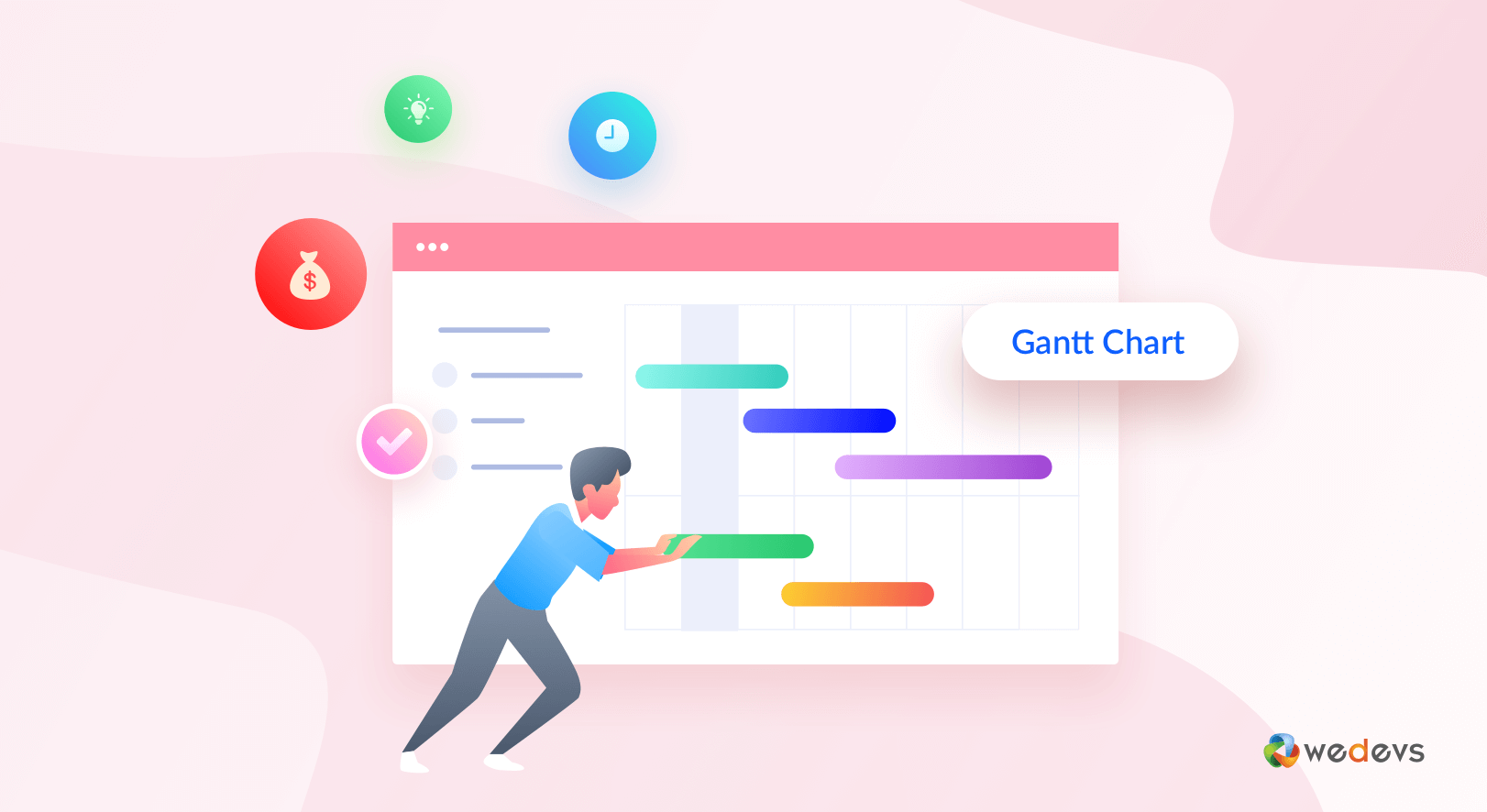
Learn how a Gantt Chart can simplify a complex project.
3. Kanban Boards for Workflow
Kanban boards show how work moves through different stages. This helps clients understand activity levels and workload distribution in real time. It also shows that the team is active even during complex phases that may not produce visible outputs yet.
4. Time Tracking and Work Proof
Time tracking provides proof of effort. It shows how long tasks take and where resources are spent. This is valuable during scope discussions and invoice reviews, because clients understand what they are paying for. Besides, it can help you submit accurate hourly bills to your clients.

5. File and Document Sharing
All materials, from briefs to drafts and final deliverables, stay in one workspace. Clients do not need to search emails or messaging apps to find important files. This reduces friction during sign-offs and payment clearance.
6. Invoice and Payment Management
Built-in invoicing tools make billing simple and clear. Since work history, time logs, and deliverables are already in the system, invoices feel justified and transparent. This reduces disputes and helps payments arrive faster.
Check how to create invoices with WP Project Manager to bill your clients.
7. Client Access and Collaboration
Clients can join the workspace to comment, approve, and provide feedback. This moves them from being observers to being active partners in the workflow. When clients feel included, they trust decisions and timelines more.
8. Automated Approval Loops for Milestone Sign-offs
When you use milestone tracking and built-in discussion features, you can set up a digital ‘paper trail.' In this system, clients clearly approve each completed phase before the project moves to the next step. This formal process is one of the best ways to stop scope creep and avoid billing disputes.
9. Integrated Payment Gateways (Stripe & PayPal)
Even when clients are happy, getting paid on time can fail due to payment process issues. This usually happens because the payment system feels slow or complicated. By integrating Stripe and PayPal directly into WP Project Manager, you can remove this final barrier.
How a Unified System Like WP Project Manager Can Give You a Better Competitive Edge

In today's market, where clients feel confused by too many disconnected tools, offering one unified, clear system could give you a powerful competitive advantage. WP Project Manager gives clients a single source of truth. All communication, tasks, files, and billing stay in one front-end client dashboard. This removes the admin mess that often causes doubt, delays, and mistrust.
When everything lives in one place, your business no longer looks like a simple ‘task-doer.' Instead, it feels like a reliable, high-level partner. Clients experience a structured and predictable workflow that feels professional and well-managed.
Many smaller competitors still depend on scattered email threads and manual spreadsheets. A unified system can immediately set you apart from them. By centralizing every project asset, you can deliver the transparency that clients expect and the efficiency they appreciate.
Clients can see their full project timeline in a Gantt Chart. They can check logged hours in the Time Tracker. They can review invoices and pay instantly through Stripe or PayPal. When all of this is visible in one dashboard, the value of your service becomes much clearer.
This clarity builds long-term trust and helps payments happen faster. Over time, this competitive edge allows you to charge higher rates and grow with confidence, knowing your systems are supporting your work instead of slowing it down.
Final Thoughts!
Every successful project begins with clarity, discipline, and a shared sense of purpose. When your team approaches work strategically, anticipates challenges, and keeps things organized, clients naturally feel confident in your capabilities. This creates a foundation where progress becomes measurable, collaboration feels effortless, and results speak louder than words.
By using the right tool, like WP Project Manager, your team can turn every project into a showcase of efficiency and professionalism. Beyond meeting deadlines, it empowers teams to deliver meaningful outcomes, exceed expectations, and build lasting partnerships, transforming ordinary projects into opportunities for growth, recognition, and long-term success.

