Paying for a separate project management app every month adds up fast, especially when your team already works inside WordPress. A good project management plugin lets you plan projects, assign tasks, share files, and track deadlines right from your dashboard, with your data on your own site.
But not every plugin is worth installing. Some are no longer updated, a few have even been closed for security issues, and others hide basic features behind expensive addons.
In this post, we've compared the best WordPress project management plugins in 2026. You'll see what each one does well, where it falls short, how much it costs, and which type of team it suits best. Let's get started!
Best WordPress Project Management Plugins at a Glance
Short on time? Here's a quick summary of our picks. All numbers come from each plugin's WordPress.org page and pricing page in November 2026.
| Plugin | Best for | Active installs | Rating | Paid plans from |
|---|---|---|---|---|
| WP Project Manager | Most teams: best all-round choice | 5,000+ | 3.8 (187 reviews) | $99/year or $395 lifetime |
| FluentBoards | Kanban-first teams using Fluent tools | 6,000+ | 5.0 (26 reviews) | $149/year |
| Zephyr Project Manager | Small teams on a tight budget | 1,000+ | 4.8 (99 reviews) | $99 one-time |
| Taskbuilder | Teams that want many addons for less | 700+ | 4.7 (7 reviews) | $59/year |
| UpStream | Client-facing project tracking | 500+ | 4.2 (75 reviews) | $79/year |
| Projectopia | Agencies that also need CRM and invoicing | 200+ | 5.0 (7 reviews) | $149/year |
Note: Prices are regular prices before discounts. Most vendors run sales, so check the pricing page before you buy.
What to Look for in a WordPress Project Management Plugin
Before we get to the list, here are the points we used to judge each plugin. Use them to check any plugin you're considering.
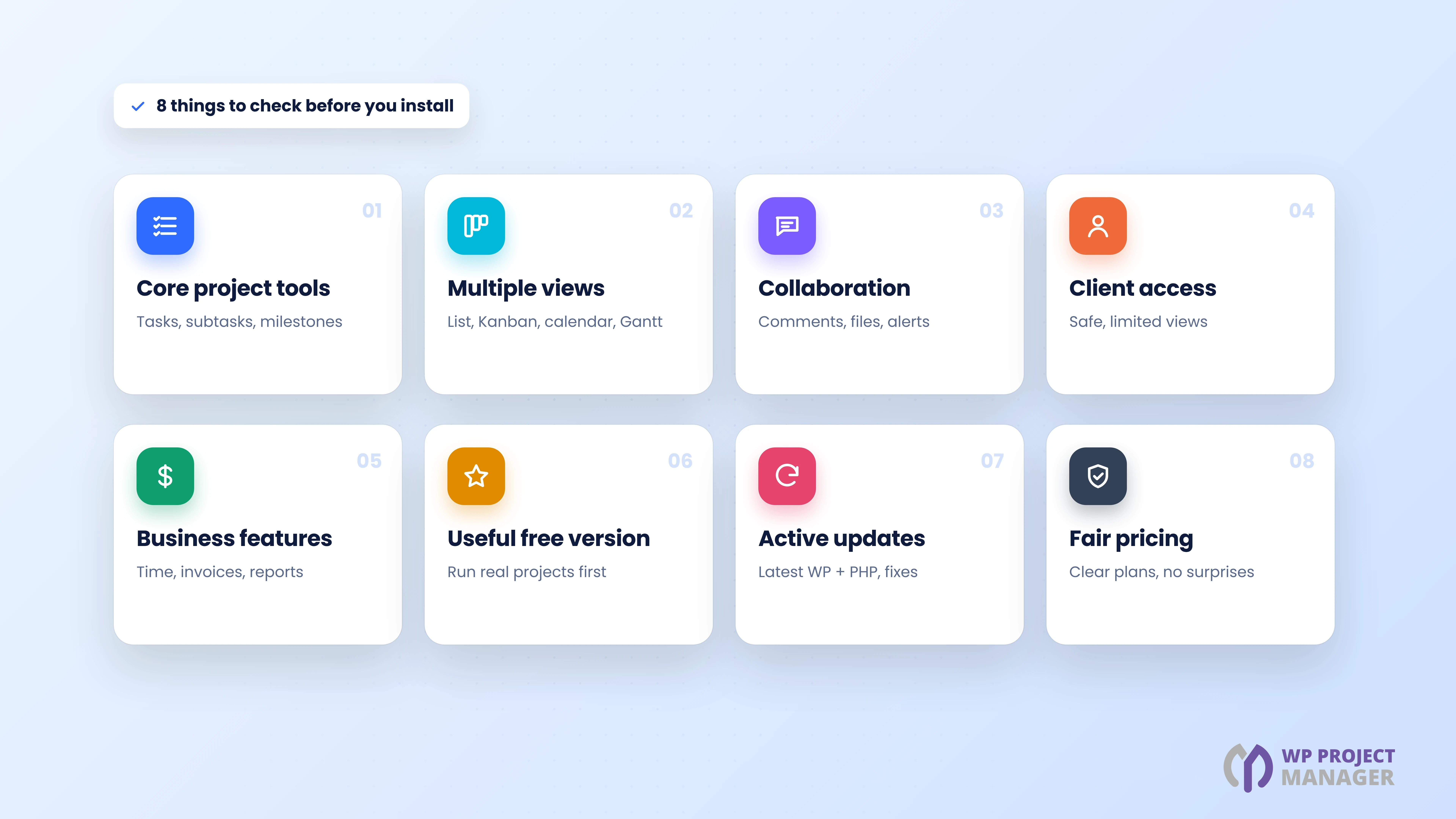
- Core project tools: Projects, task lists, tasks, subtasks, milestones, and due dates.
- Views: List, Kanban, calendar, and Gantt views help different people see the work their way.
- Collaboration: Comments, discussions, file sharing, mentions, and email notifications.
- Client access: A safe way to show clients their own projects without full admin access.
- Business features: Time tracking, invoices, reports, and integrations such as WooCommerce.
- A useful free version: You should be able to run real projects before you pay.
- Active development: Regular updates, support for the latest WordPress and PHP, and fast security fixes.
- Fair pricing: Clear plans, with the features you need included.
How We Picked These Plugins
We looked at the most-used project management plugins on WordPress.org and removed the ones that are closed, abandoned, or only for one narrow task. Then we compared the rest on the points above, using each plugin's official WordPress.org page, changelog, and pricing page.
We tested WP Project Manager 4.1.2 and Pro 4.1.2 hands-on on a test site, since it's our own plugin. We've tried to be fair: every plugin below has clear strengths, and we list the downsides of ours too.
6 Best WordPress Project Management Plugins in 2026
Here are our picks, starting with the one we recommend for most teams.
1. WP Project Manager: Best Overall WordPress Project Management Plugin
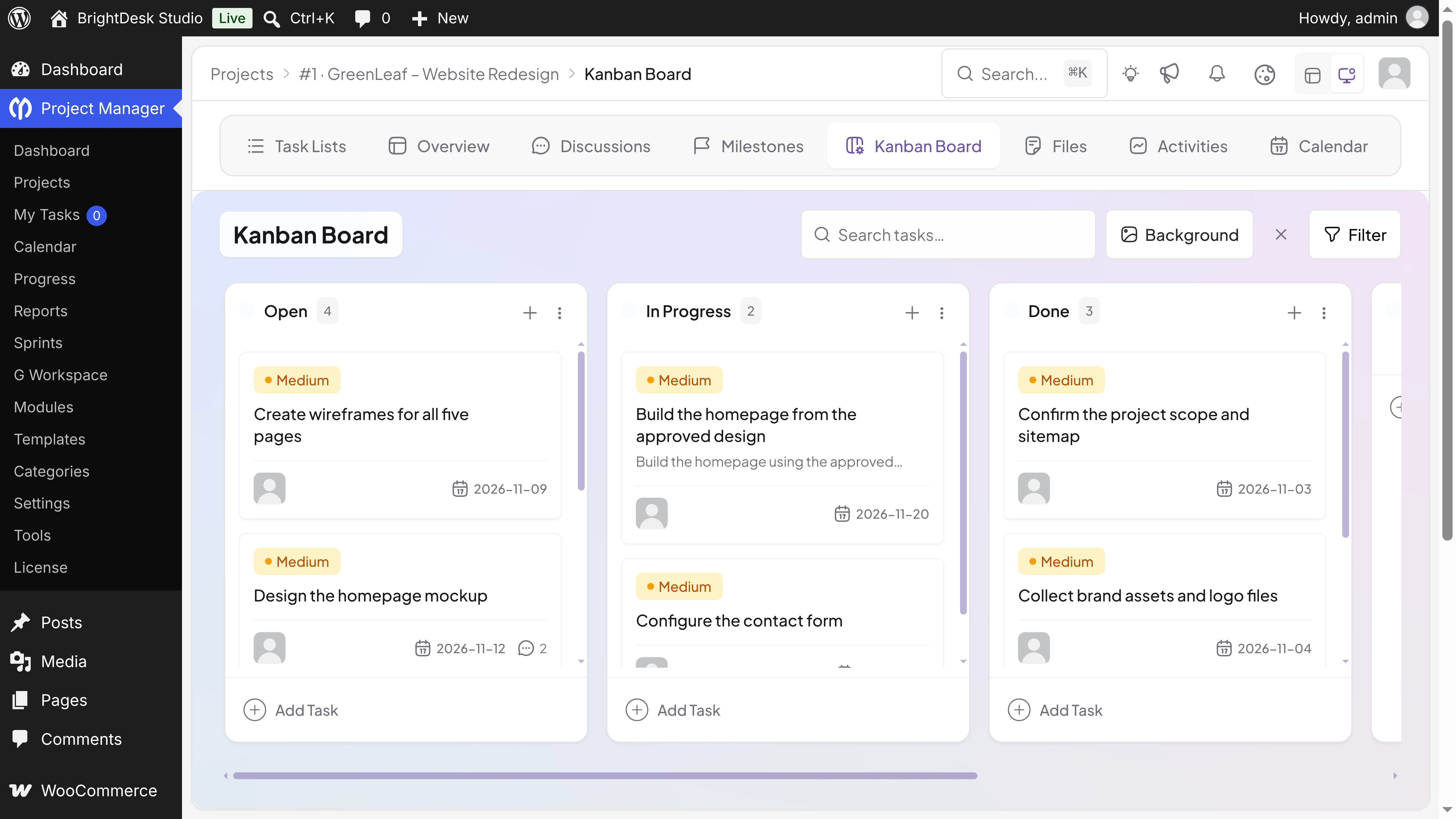
WP Project Manager is one of the oldest project management plugins for WordPress, with 14 years of active development. In 2026, it got a full revamp, followed by regular updates up to version 4.1.2. It now looks and works like a modern project app, but it stays inside your WordPress dashboard.
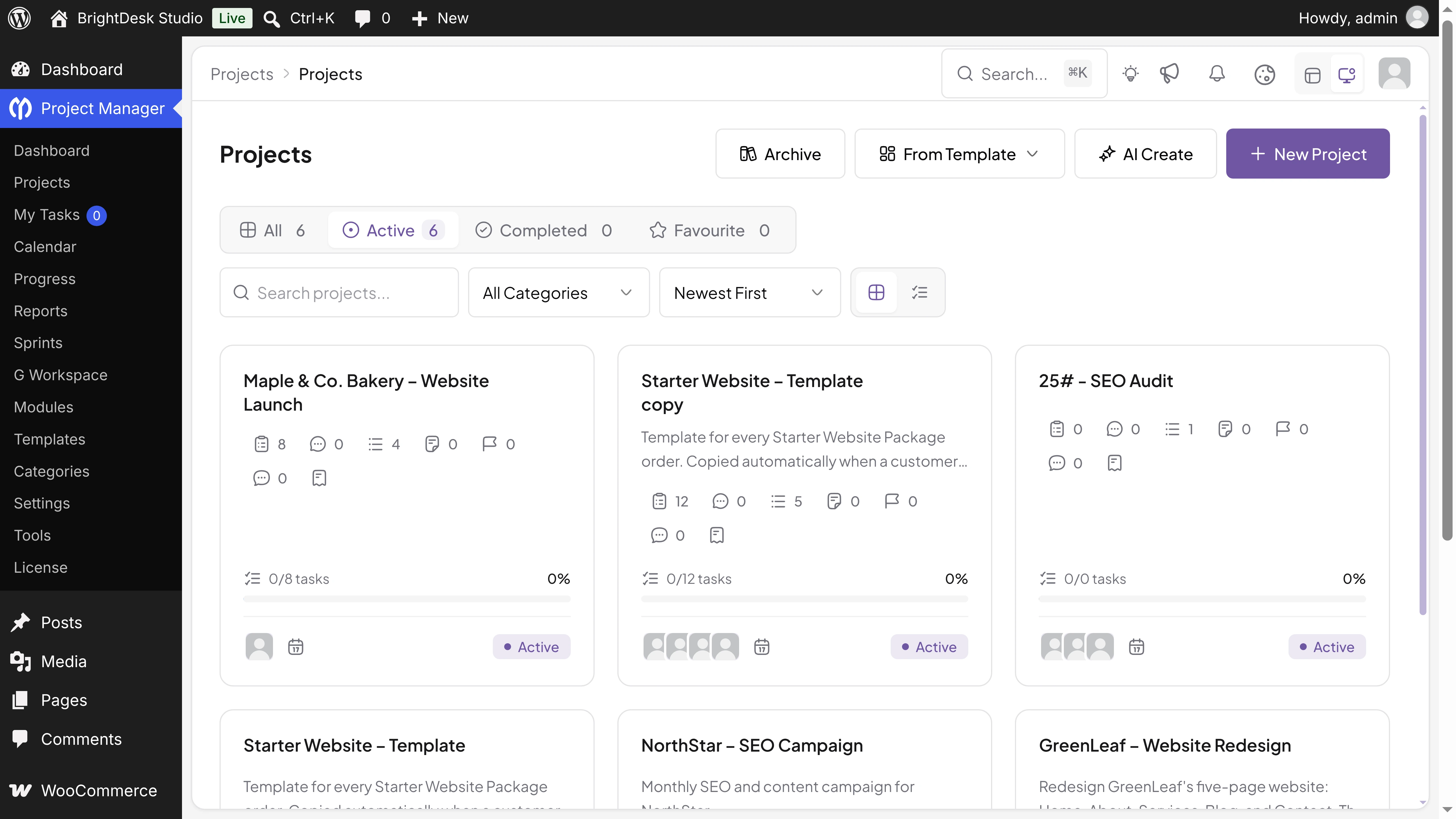
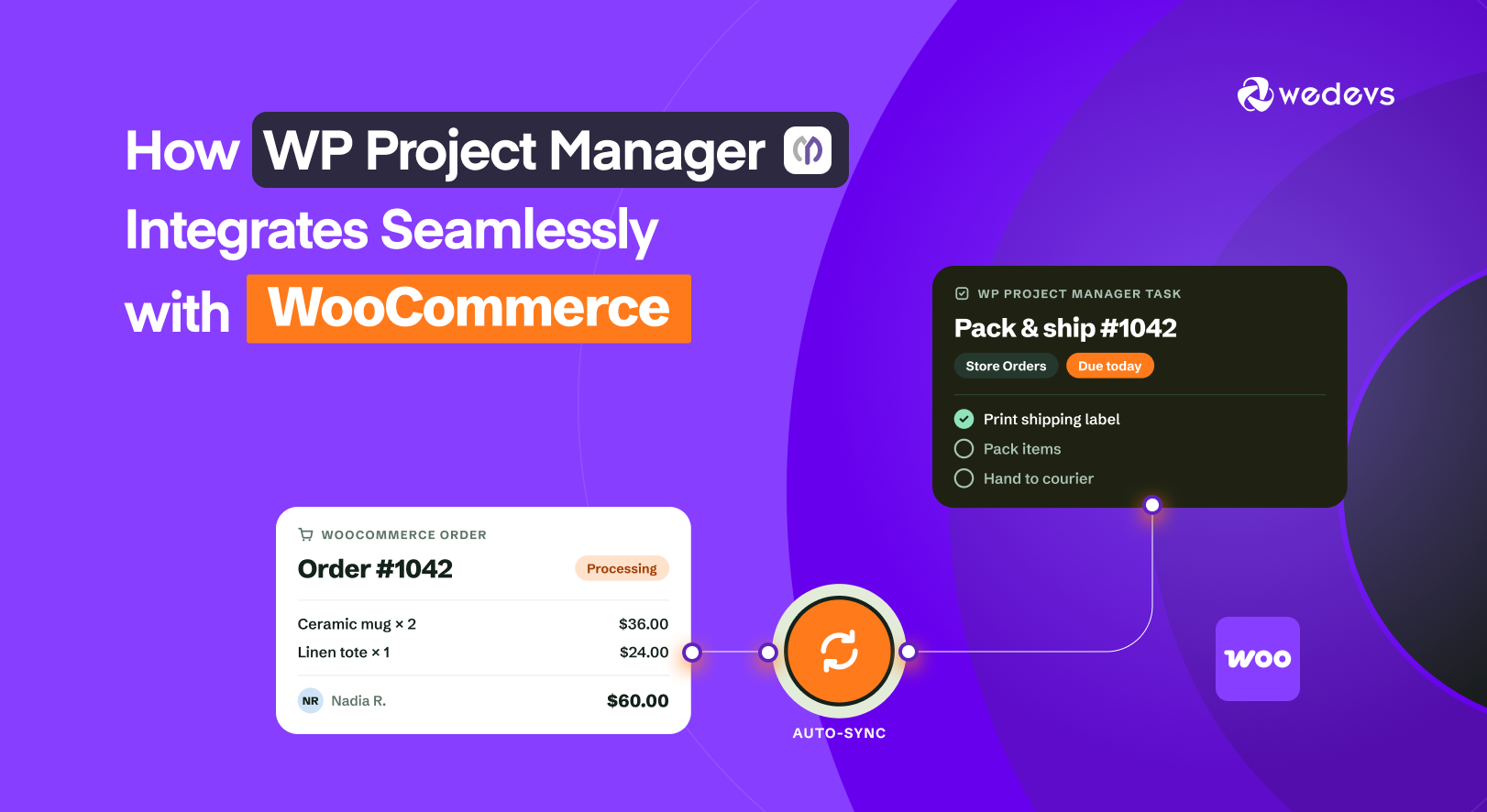
It covers the whole project life cycle in one plugin: planning, tasks, discussions, files, Kanban, calendars, and, with Pro, Gantt charts, time tracking, invoices, sprints, and WooCommerce orders.
Key Features
- AI project creation: Describe a project and get task lists and tasks you can edit before creating it (free).
- Free Kanban board: Drag tasks between columns and give each board its own background.
- Role-based dashboard: Completed, open, and overdue tasks, project health, and upcoming work at a glance.
- Task panel: Dates, assignees, priority, labels, recurrence, comments with threaded replies, and activity in one place.
- Google Workspace: Attach Google Drive files to tasks for free. Pro adds Google Calendar sync and Google Meet.
- Project templates (Pro): Save task lists and tasks with day offsets, so due dates are set for you.
- Pro modules: Subtasks, Time Tracker, Gantt Chart, Project Invoice, Recurring Task, Custom Fields, Sprint, WooCommerce Order, BuddyPress, and Stripe payments.
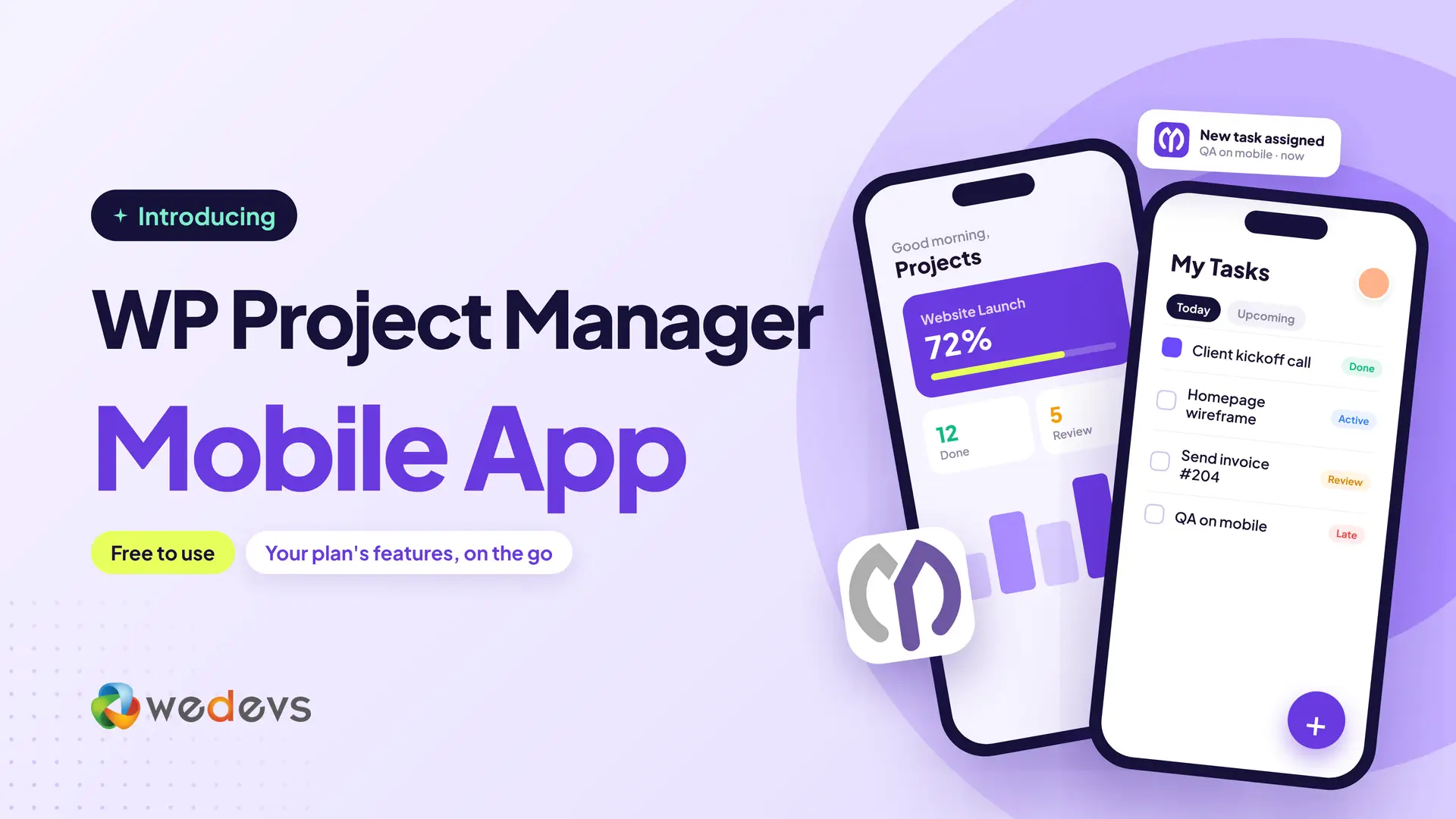
- Mobile app: Manage projects and tasks on the go with the WP Project Manager app for iOS and Android. It's free with every Pro plan, annual or lifetime, and agencies can also publish it under their own brand.
Pricing
The core plugin is free. Pro comes with both annual and lifetime plans, and each one has three tiers:
| Plan | Sites | Annual | Lifetime |
|---|---|---|---|
| Personal | 1 site | $99/year | $395 one-time |
| Professional | 5 sites | $249/year | $745 one-time |
| Business | Unlimited sites | $499/year | $1,245 one-time |
Every Pro plan, annual or lifetime, includes the mobile app for iOS and Android at no extra cost. See the WP Project Manager pricing page.
| Pros | Cons |
|---|---|
| Strongest free version on this list: AI, Kanban, calendars, and Google Drive | Lifetime plans cost more than most alternatives |
| The most complete Pro toolset: Gantt, time tracking, invoices, sprints, and WooCommerce | Its rating still carries older reviews from before the revamp |
| Very active: 11 releases in six months, tested with WordPress 7.1 | Some modules need the Professional or Business plan |
| iOS and Android app included with every Pro plan | |
| Frontend project pages through shortcodes |
Best for: Agencies, freelancers, and in-house teams who want one plugin for everything, from the first task to the final invoice.
Why We Put WP Project Manager First
- It does the most in one plugin. Kanban, calendars, Gantt charts, time tracking, invoices, sprints, recurring tasks, and WooCommerce work together, without mixing plugins from different vendors.
- Its free version runs real projects. Unlimited projects and tasks, AI creation, Kanban, discussions, files, and Google Drive are all free.
- It's actively maintained. Eleven releases since May 2026, support for WordPress 7.1 and PHP 8.4, and quick security fixes.
- It has a long track record. Fourteen years on WordPress.org means it isn't going to disappear next year.
- Your data stays on your site. Everything lives in your WordPress database, so you never lose it if a vendor shuts down.
2. FluentBoards: Best for Kanban-First Teams
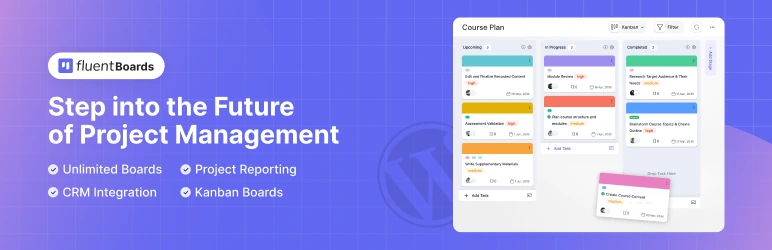
FluentBoards comes from the team behind FluentCRM and Fluent Forms. It's built around boards: you organize work in stages and drag tasks from one stage to the next. It has the most active installs on this list and a perfect rating, though from far fewer reviews.
Key Features
- Unlimited boards and tasks with drag-and-drop stages
- Kanban and list views (calendar and table views in Pro)
- Labels, priorities, due dates, filters, and board backgrounds
- Comments, file and link sharing, activity history, and email notifications
- Connects with FluentCRM contacts and Fluent Forms
Pricing
Free on WordPress.org. Pro starts at $149/year for one site (often discounted), with lifetime plans available. See the FluentBoards pricing page.
| Pros | Cons |
|---|---|
| Clean, fast Kanban experience | Calendar and table views need Pro |
| Great fit if you already use FluentCRM or Fluent Forms | No built-in Gantt charts, invoices, or WooCommerce projects |
| Frequent updates and high ratings | Fewer reviews so far than older plugins |
Best for: Teams that think in boards and already use other Fluent plugins.
3. Zephyr Project Manager: Best for Small Budgets
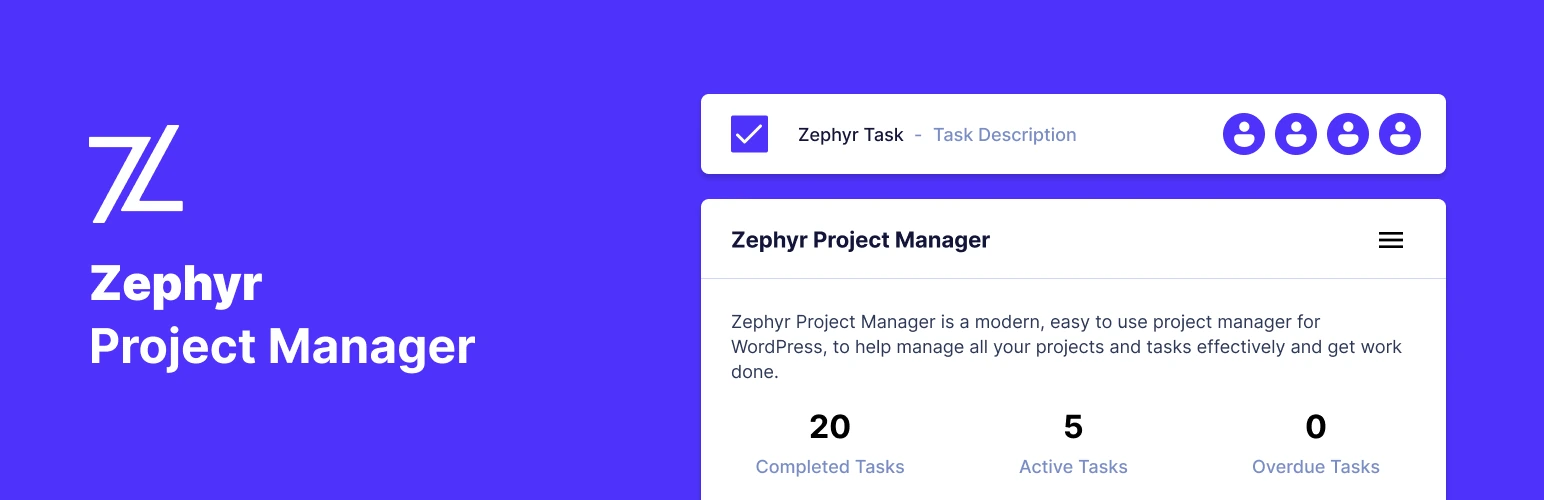
Zephyr Project Manager packs a lot into its free version, including subtasks, a calendar, progress charts, and personal dashboards. It has a strong rating from almost 100 reviews, and its Pro version is a one-time payment.
Key Features
- Unlimited projects, tasks, and categories with priorities and assignees
- Subtasks, task copying, and converting tasks into projects
- Discussions, file attachments, and a central file manager
- Calendar view, progress charts, and personal dashboards
- CSV and JSON import and export, and an Android app
- Pro: frontend project manager, Kanban boards, custom fields, templates, reports, and Asana integration
Pricing
Free on WordPress.org. Pro costs $99 one-time for 5 domains, or $250 for unlimited domains. See the Zephyr pricing page.
| Pros | Cons |
|---|---|
| Generous free version | Kanban boards need Pro |
| One-time pricing with no renewals | No time tracking, Gantt charts, or invoices |
| Highly rated by users | Smaller user base |
Best for: Small teams that want solid basics for a one-time price.
4. Taskbuilder: Best for Addons on a Budget
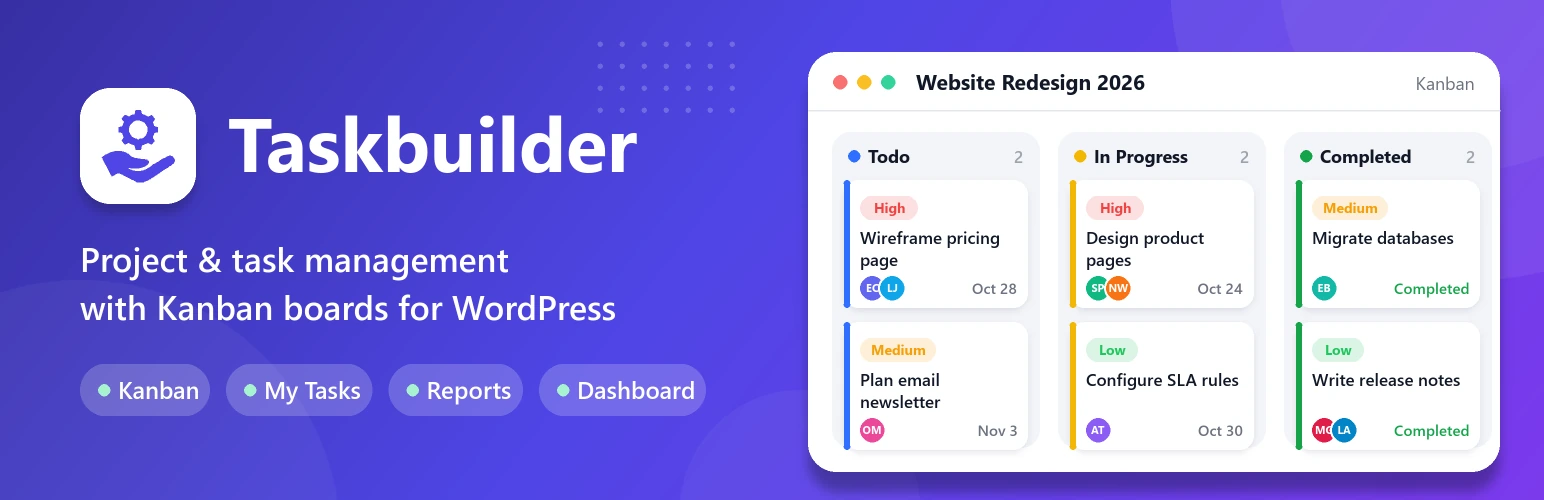
Taskbuilder offers Kanban and list views, subtasks, and client access in its free version. Its paid plans bundle a long list of addons, from Gantt charts to WooCommerce, at a low price.
Key Features
- Unlimited projects, tasks, and co-workers, with client access mode
- Kanban and list views with drag-and-drop status changes
- Subtasks, checklists, mentions, and advanced filters
- Archiving for tasks and projects, and frontend shortcodes
- Paid addons: calendar, time tracker, Gantt chart, reports, recurring tasks, WooCommerce, BuddyPress, and email piping
Pricing
Free on WordPress.org. Paid plans start at $59/year for one site, with lifetime plans from $186. Every plan includes all addons. See the Taskbuilder pricing page.
| Pros | Cons |
|---|---|
| Lowest yearly price on this list | Very few reviews so far |
| All addons included in every plan | Smaller community and fewer guides |
| Kanban in the free version | No built-in invoicing |
Best for: Teams that want many features without a big budget.
5. UpStream: Best for Client-Facing Projects
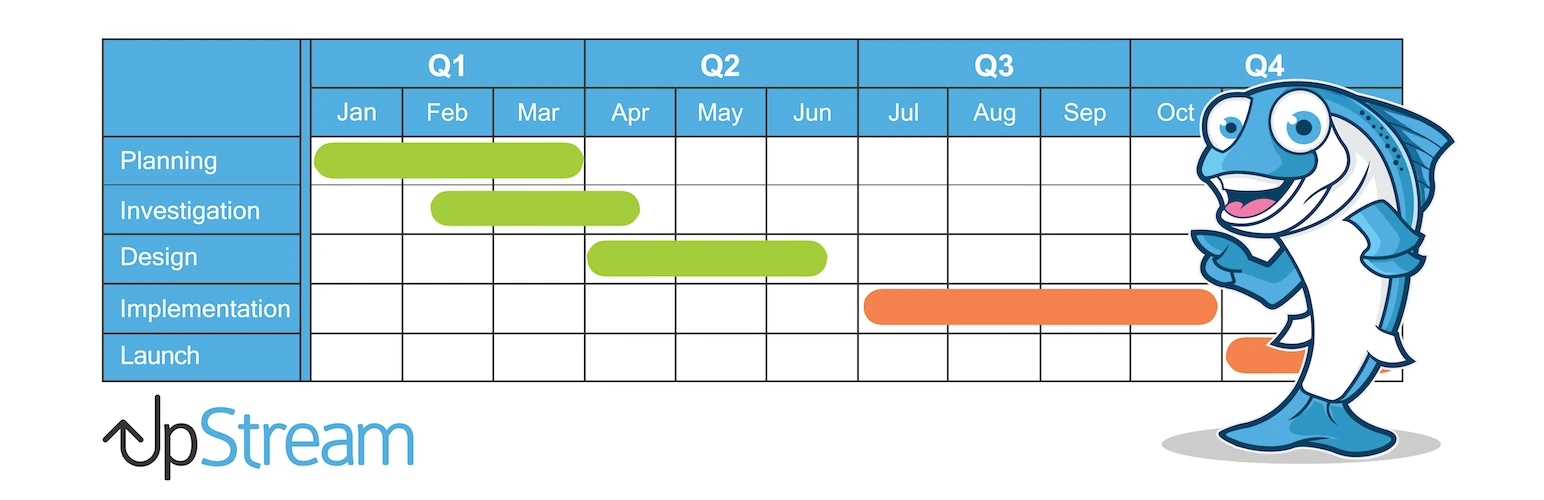
UpStream focuses on sharing progress with clients. Clients get their own login page to follow projects, milestones, tasks, and bugs. It also includes a simple bug tracker, which is handy for development work.
Key Features
- Milestones and tasks, with automatic progress tracking
- A bug and issue tracker
- File uploads and project discussions
- Client contacts, client users, and a client login page
- Custom statuses, roles, and frontend templates
Pricing
Free on WordPress.org. Paid plans start at $79/year (Lite) and go up to $499/year (Enterprise). Calendar view, time tracking, and reports need the Professional plan or higher. See the UpStream pricing page.
| Pros | Cons |
|---|---|
| Built-in client portal | No Kanban board |
| Bug tracking included | Calendar, time tracking, and reports cost extra |
| Clear, simple project pages | Updates are less frequent than the plugins above |
Best for: Freelancers and studios that want clients to check progress on their own.
6. Projectopia: Best for Agencies That Need CRM and Invoicing
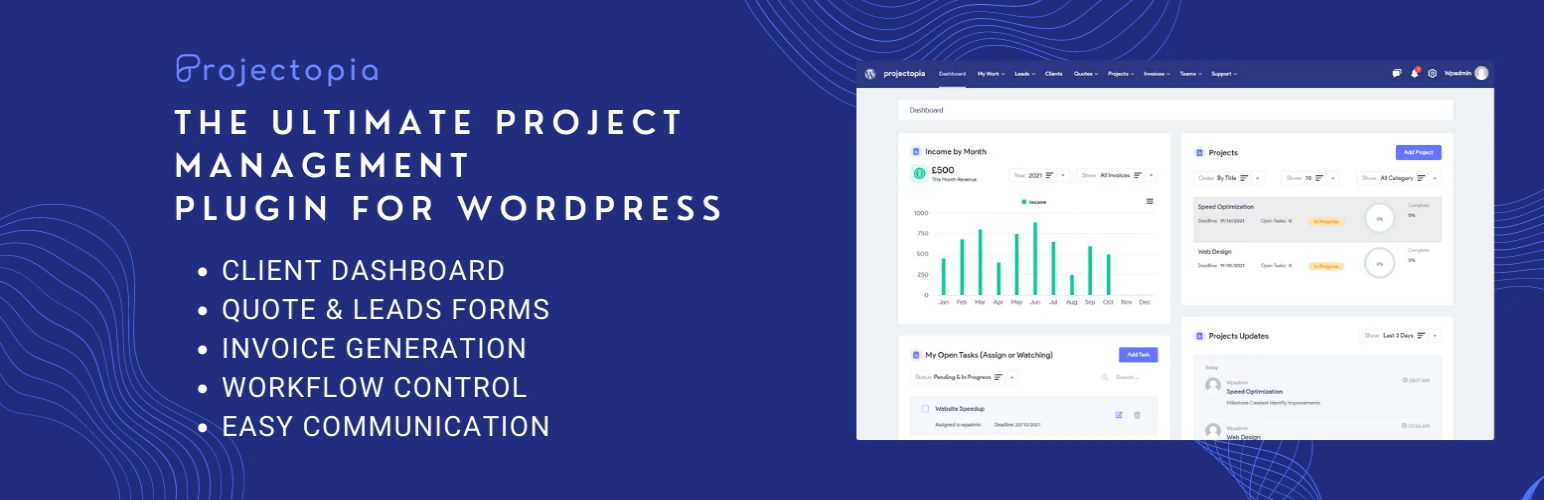
Projectopia is more than a project tool. It combines projects with client management, leads, quotes, invoices, and support tickets, which suits agencies that want to run more of the business from WordPress.
Key Features
- Team and client management, with a client dashboard
- Milestones, tasks, and time tracking
- Leads, quotes, estimates, and invoices
- Support tickets and project updates
- Addons for subscriptions, reports, expenses, bug tracking, and more
Pricing
Free on WordPress.org. Paid plans start at $149/year for one site and include most addons. The Kanban addon is sold separately. See the Projectopia pricing page.
| Pros | Cons |
|---|---|
| Projects, CRM, invoices, and tickets in one place | Not yet tested with WordPress 7 on WordPress.org |
| Most addons included in every plan | Kanban costs extra |
| Good fit for client service businesses | Very small user base |
Best for: Agencies that want CRM, billing, and support next to their projects.
Feature Comparison: Which Plugin Has What?
Here's how the six plugins compare on the features teams ask about most. "Pro" means the feature needs a paid plan or addon.
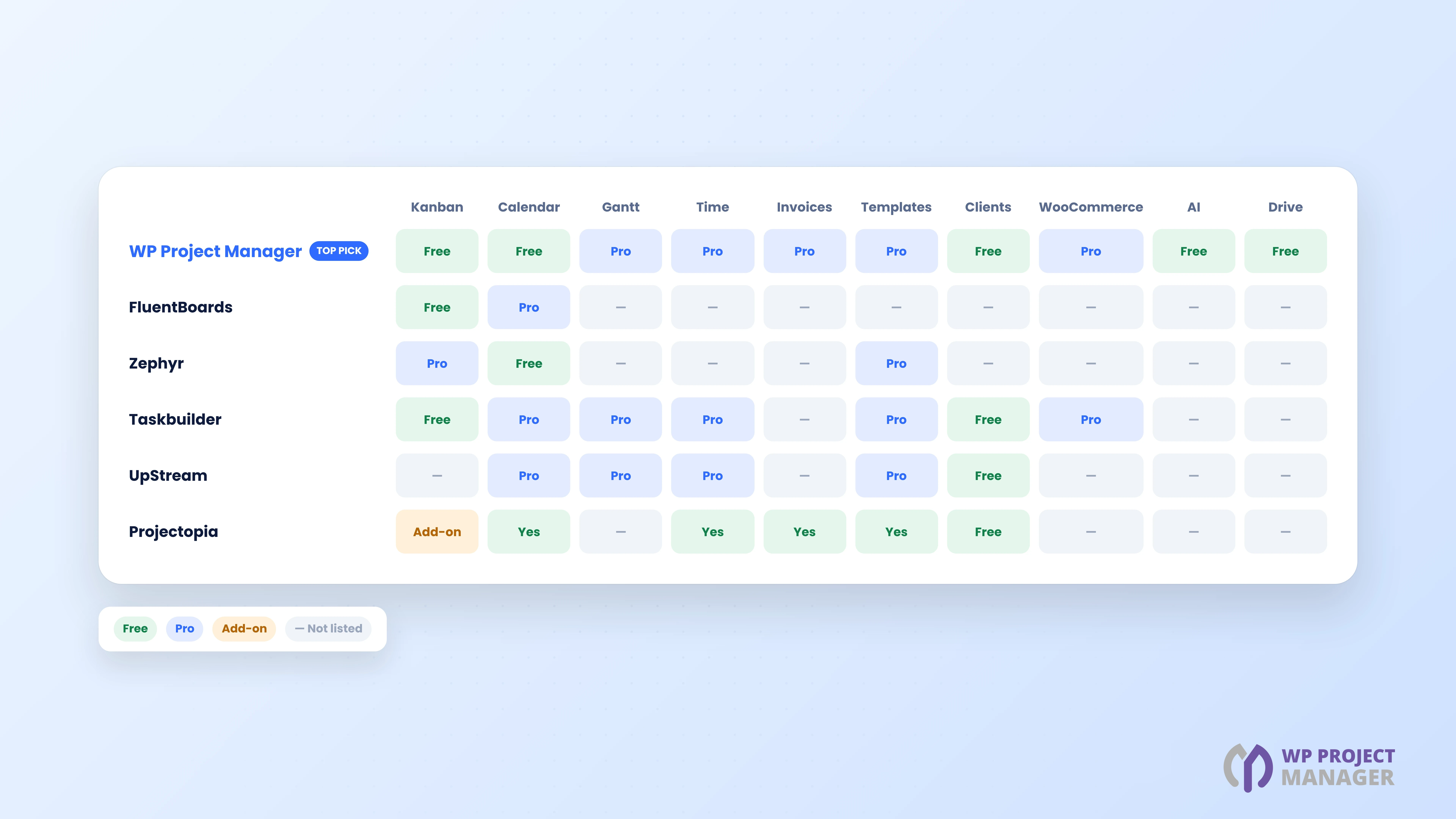
| Feature | WP Project Manager | FluentBoards | Zephyr | Taskbuilder | UpStream | Projectopia |
|---|---|---|---|---|---|---|
| Kanban board | Free | Free | Pro | Free | No | Addon |
| Calendar view | Free | Pro | Free | Pro | Pro | Yes |
| Gantt chart | Pro | No | No | Pro | Timeline (Pro) | No |
| Time tracking | Pro | No | No | Pro | Pro | Yes |
| Invoices | Pro | No | No | No | No | Yes |
| Project templates | Pro | No | Pro | Duplicate (Pro) | Copy (Pro) | Milestone templates |
| Client access | Free | No | No | Free | Free | Free |
| WooCommerce | Pro | No | No | Pro | No | No |
| AI project creation | Free | No | No | No | No | No |
| Google Drive | Free | No | No | No | No | No |
| Mobile app | iOS and Android (Pro) | No | Android | No | No | No |
A Note on Closed Project Management Plugins
Two plugins that used to appear on lists like this one are no longer available. Kanban Boards for WordPress was closed on WordPress.org in March 2024, and Panorama in December 2024, both for security issues.
If you still use either one, move your projects to an actively maintained plugin soon. A closed plugin gets no security fixes, which puts your whole site at risk.
How to Choose the Right Plugin for Your Team
There's no single answer for everyone. Use this quick guide:
| If you need... | Choose |
|---|---|
| One plugin for tasks, Kanban, Gantt, time, and invoices | WP Project Manager |
| A strong free version you can grow with | WP Project Manager |
| Work created automatically from WooCommerce orders | WP Project Manager (projects) or Taskbuilder (tasks) |
| A simple Kanban tool next to FluentCRM | FluentBoards |
| A one-time price for a small team | Zephyr Project Manager |
| Many addons at the lowest yearly price | Taskbuilder |
| A client portal and bug tracker | UpStream |
| CRM, invoices, and support tickets with projects | Projectopia |
Tip: Install the free version first and run one real project for a week. You'll learn more from that than from any feature list.
FAQ on WordPress Project Management Plugins
In this section, we have answered some frequently asked questions about WordPress project management plugins.
What is the best free project management plugin for WordPress?
WP Project Manager has the most complete free version on this list, with unlimited projects and tasks, AI project creation, a Kanban board, calendars, discussions, files, and Google Drive.
Can a WordPress plugin replace tools like Asana or Trello?
For many teams, yes. Plugins like WP Project Manager cover tasks, boards, calendars, files, and discussions. You also avoid per-user monthly fees, and your data stays on your own site.
Can clients see their projects without accessing my admin area?
Yes. WP Project Manager, Taskbuilder, UpStream, and Projectopia all offer client access. WP Project Manager also offers frontend project pages through shortcodes.
Which plugin includes Gantt charts and time tracking?
WP Project Manager Pro and Taskbuilder's paid plans include both. UpStream offers time tracking and a project timeline in its higher plans.
Is it safe to use a project management plugin?
Yes, if it's actively maintained. Check the "Last updated" date and the "Tested up to" version on WordPress.org, and avoid closed or abandoned plugins.
Will a project management plugin slow down my site?
Project management plugins mostly load in the admin area, so they have little effect on your public pages. Keep WordPress, PHP, and your plugins up to date for the best speed.
Final Thoughts!
The best WordPress project management plugin is the one your team will actually use every day. FluentBoards is great for Kanban fans, Zephyr and Taskbuilder suit small budgets, UpStream shines with clients, and Projectopia adds CRM and billing.
But if you want one plugin that grows with you, from a free Kanban board to Gantt charts, time tracking, invoices, and WooCommerce projects, WP Project Manager is our top pick in 2026. Start with the free version, run your next project in it, and upgrade only when you need more.
- Learn how to set up WP Project Manager for a WordPress agency.
- Check how to create reusable project templates in WP Project Manager.
If you have any questions, mention them in the comment box below. Thanks for being with us till the end.